
Align a phrase (merge and split cards)
When several source words are translated together, merge their cards into one phrase card. SPLIT undoes it.
Use a phrase card when two or more source words become one word in your language, or a phrase translates a phrase.
Steps
- In Align, drag a word card onto the card next to it. The tooltip says "Drag onto another word card to merge them into a phrase."
- The two cards become one phrase card.
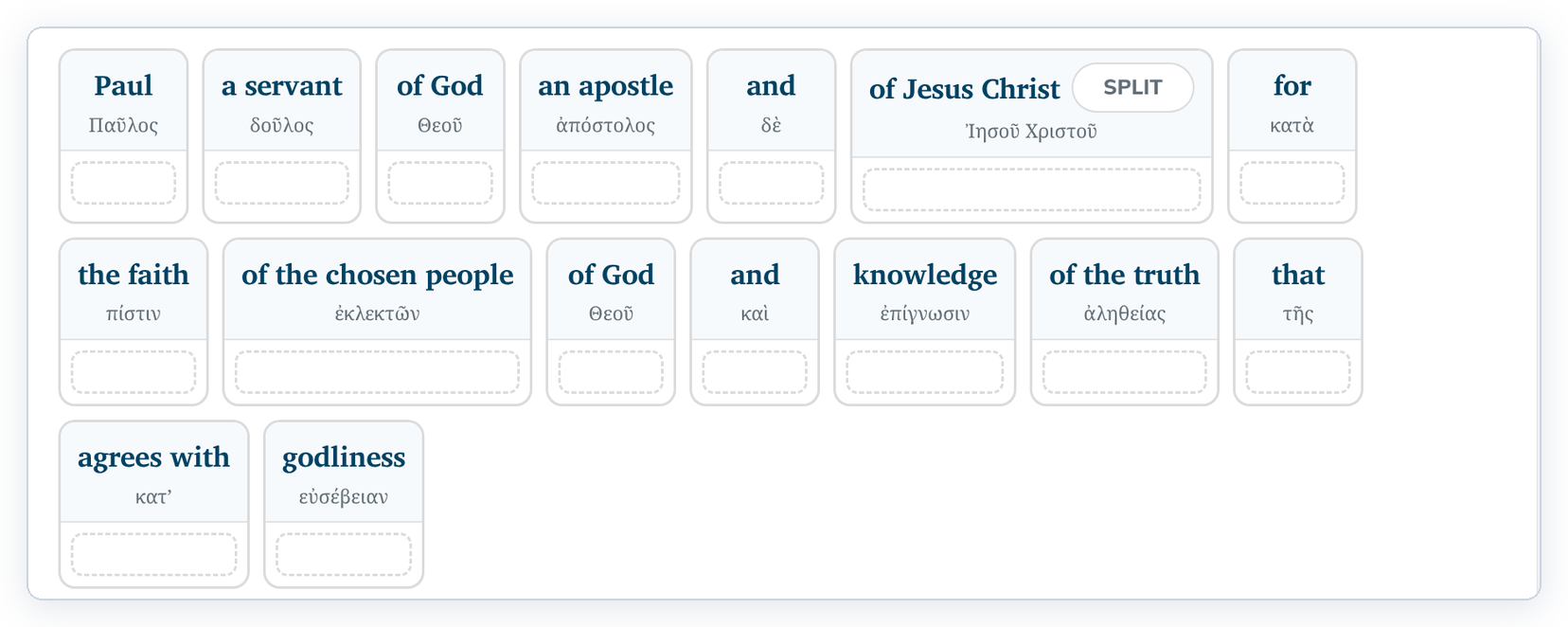
- Place your word or words under the phrase card.
To undo, click SPLIT on the phrase card.
Good to know
- Merge only neighbouring words that belong together.
- If you had already placed words under the phrase card, check where they are after SPLIT. Click a misplaced word to send it back to the bank, then place it under the right card.