
Translation notes and Translation Academy articles
Translation notes explain hard phrases verse by verse. Each note can link to a Translation Academy article that teaches the translation issue behind it.
Many notes link to a Translation Academy article, a short lesson about a translation issue such as metaphors or abstract nouns.
Steps
- In Understand, click a section to select it.
- In the helps panel, click Notes and read the cards. Point at a card to highlight its phrase in the passage.
- Click Translation Academy → on a note. The article opens under the notes.
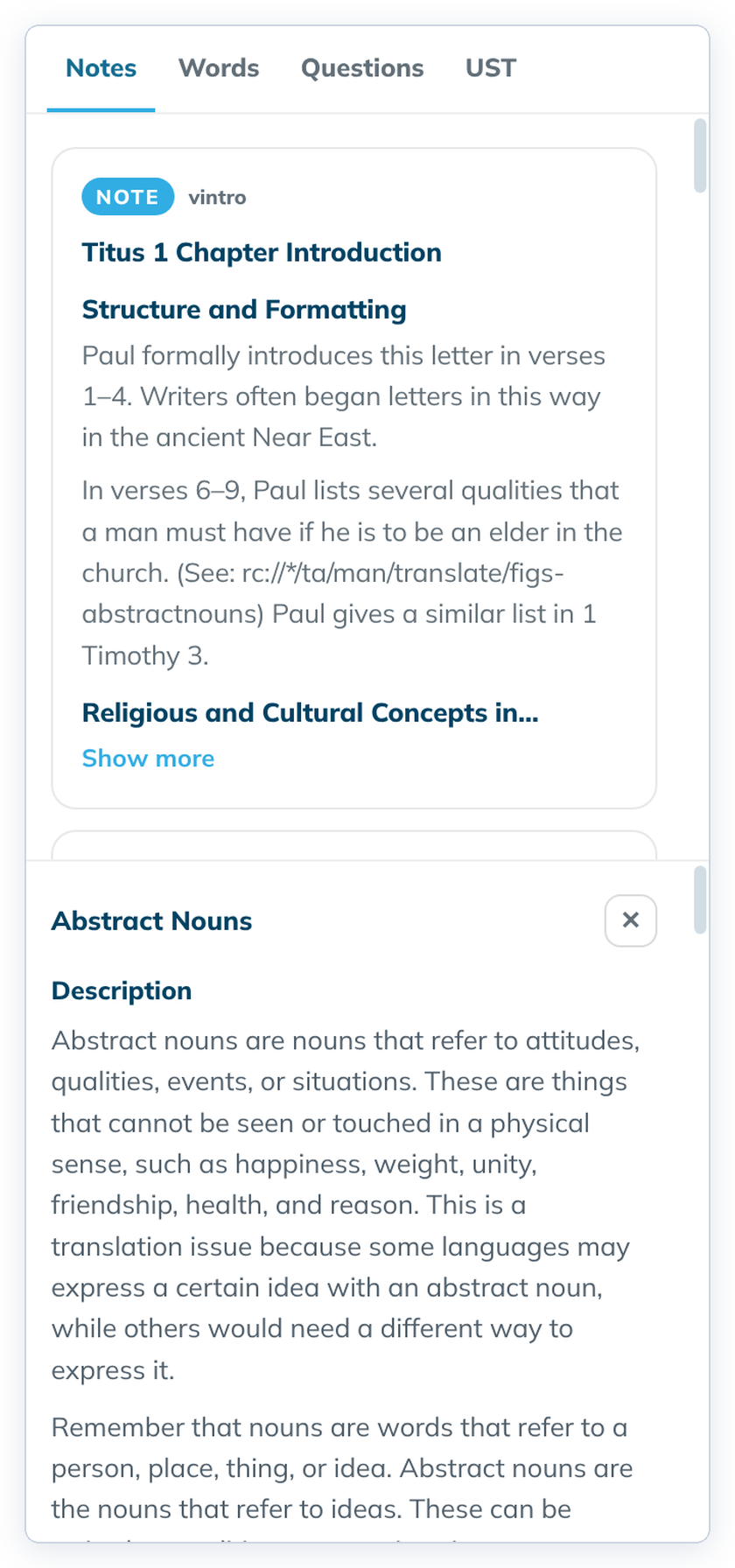
- Close the article with ✕.
Good to know
- The first card of a chapter is its introduction. Click Show more to read all of it.
- Notes are in the project's checking language. If you see "Shown from the English fallback", the notes in that language aren't on this computer, so the English notes are shown. See Checking language.
- Some introductions show a link written out as text, such as "rc://*/ta/man/translate/figs-abstractnouns". It isn't a button.
- If an article is missing, the panel says "The pinned resources do not carry the article for this check." The note still shows.
- The same notes become check items in Check with Translation Notes.