
Check a story
Check a story with Translation Notes and Translation Words, frame by frame.
It works like checking a Bible book, for the open story.
Steps
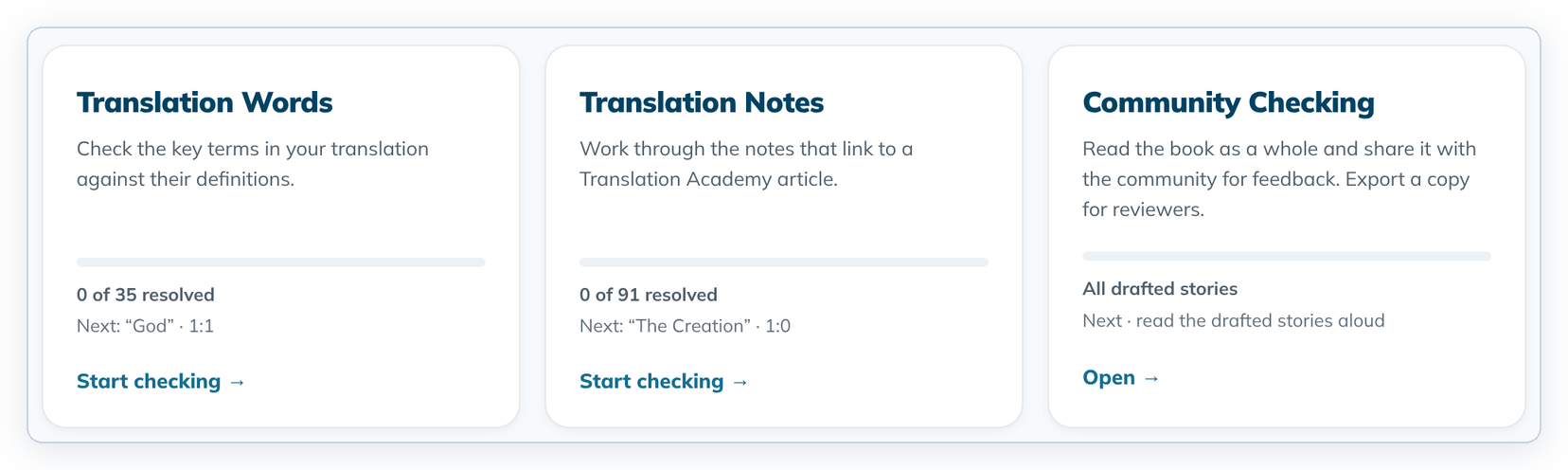
- Open a story and click Check. If a tool opens instead of the list, click ← All checking tools.
- Click Start checking → on Translation Words or Translation Notes.
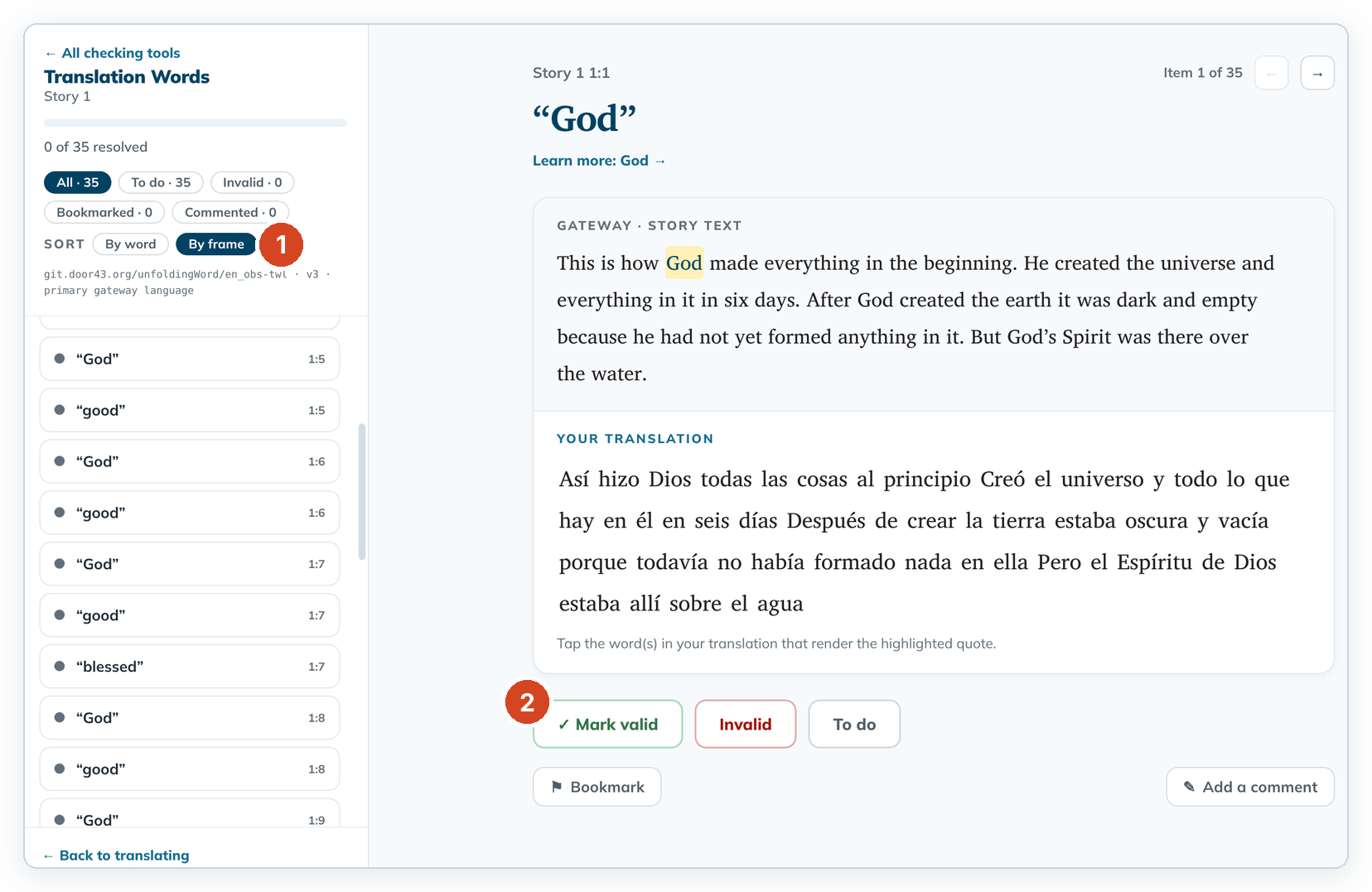
- Next to Sort, click By frame (1) to go through the story in order.
- Tap the words in your translation that match the highlighted word, then click ✓ Mark valid or Invalid (2).
Good to know
- Item 1:0 is the story title. Frames are 1:1, 1:2 and so on.
- An undrafted frame says "This frame is not drafted yet. Draft it first, then return to check."
- Stories have no alignment.
- Bookmarks, comments and filters work as for Bible books.