
Working offline
tC4 works without the internet. It asks before any step that needs it.
Everything you need to translate and check with the English helps comes with the app, and your projects stay on your computer.
Steps
- Work as usual. No internet is needed.
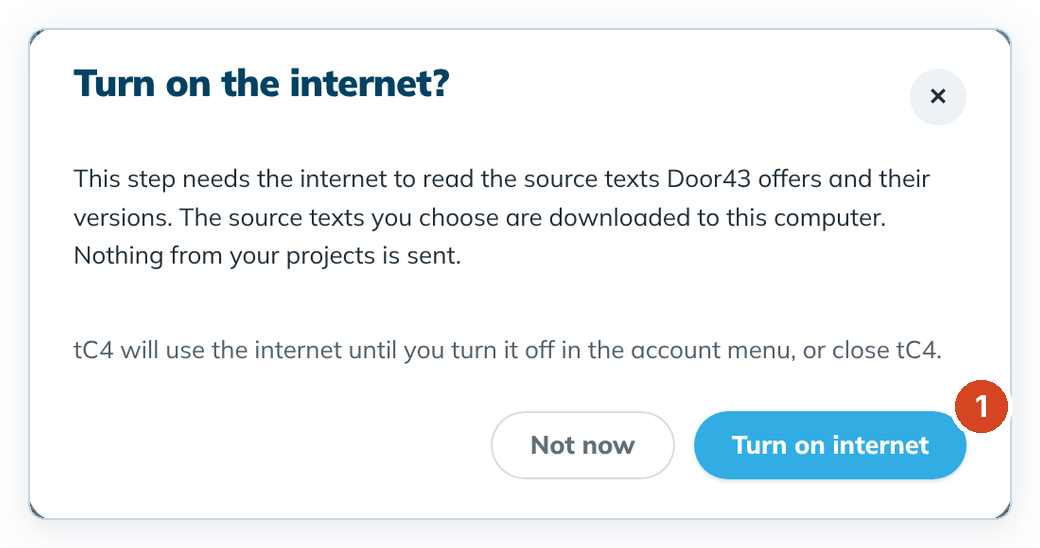
- When a step needs the internet, tC4 asks "Turn on the internet?". Click Turn on internet (1), or Not now to stay offline.
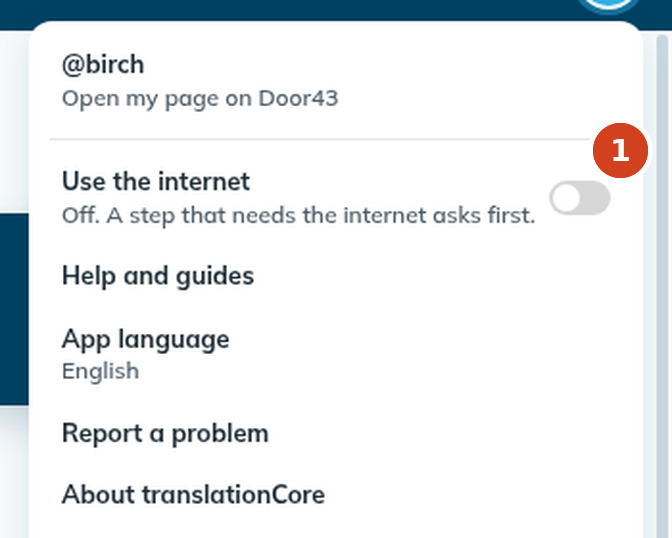
- To turn the internet off again, click the round account button at the top right and switch off Use the internet (1). Closing tC4 also turns it off.
What needs the internet
- Download source texts
- Update pinned helps and Update scripture texts
- Downloading a missing resource in Fix a missing resource
- Signing in and sharing on Door43
Translating, checking, aligning, exporting and importing all work offline.
Good to know
- Nothing from your projects is sent when you turn the internet on for downloads.
- Keep regular backups of your projects folder. See Where your projects are stored.