
Story preview and export
Preview a story as a page with its pictures, choose the layout, and export it for reviewers.
Steps
- Open a story and click Check. If a tool opens instead of the list, click ← All checking tools.
- On Community Checking, click Open →.
- Choose Pictures above or Pictures wrapped (1), and turn Pictures on or off (2).
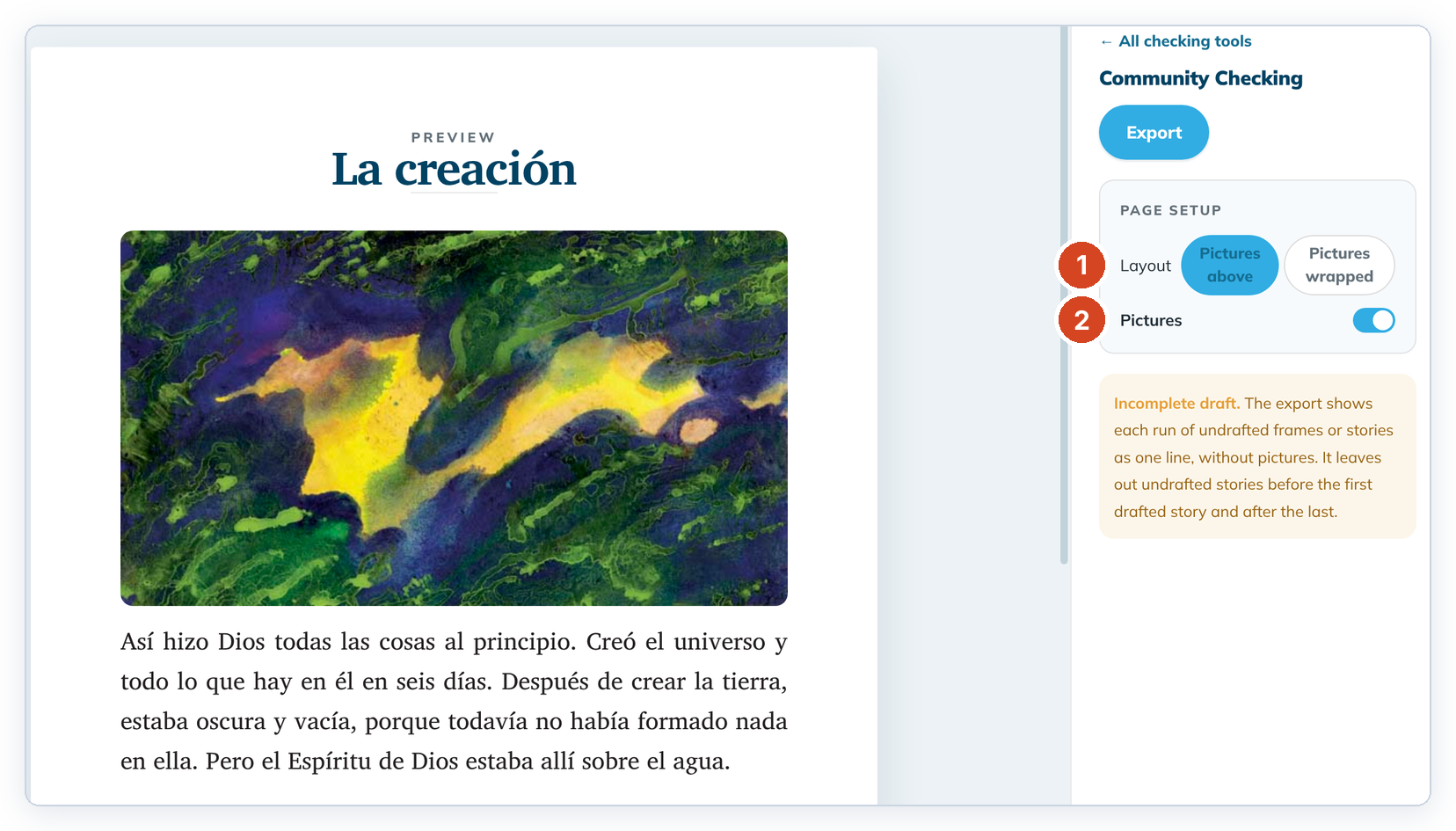
- Read the story aloud with your community.
- To make a copy for reviewers, click Export. See Export stories as PDF or Markdown.
Good to know
- Pictures wrapped puts a small picture beside each frame, so more fits on a page.
- Undrafted frames show as one line, such as "[ frames 3–16 not yet drafted ]", without pictures.
- Stories have no spacing or paper-size choice. The story PDF is A4, and its first page has only the title.