
Find a story on Home
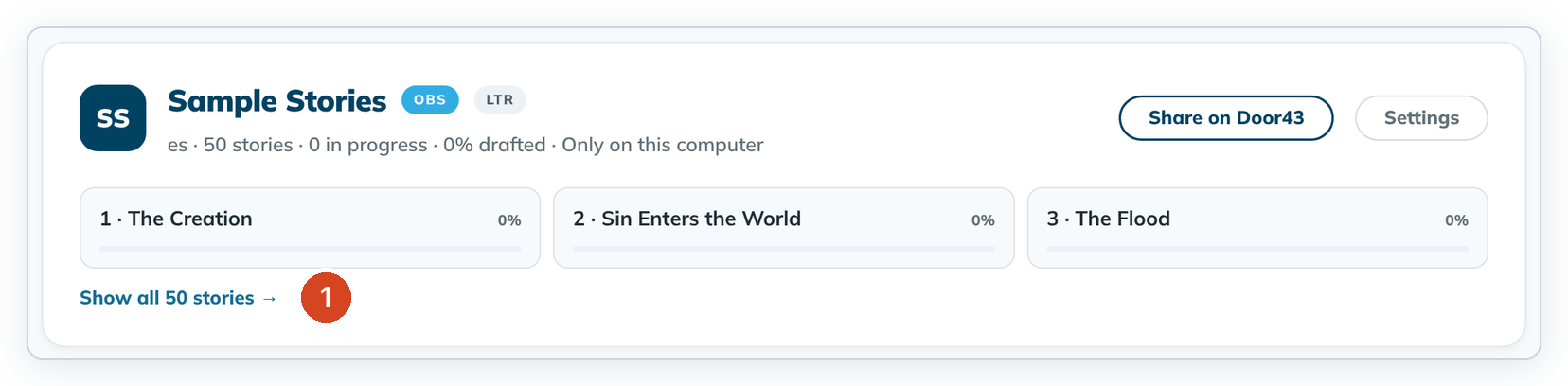
The stories card shows three stories. Show all 50 to pick any story.
Each story is a tile, like a book tile in a Bible project. It shows the story number, title and percent drafted.
Steps
- On Home, find your stories card. It has the OBS badge.
- Click a tile to open that story, or click Show all 50 stories → (1).
- Click any story in the grid.
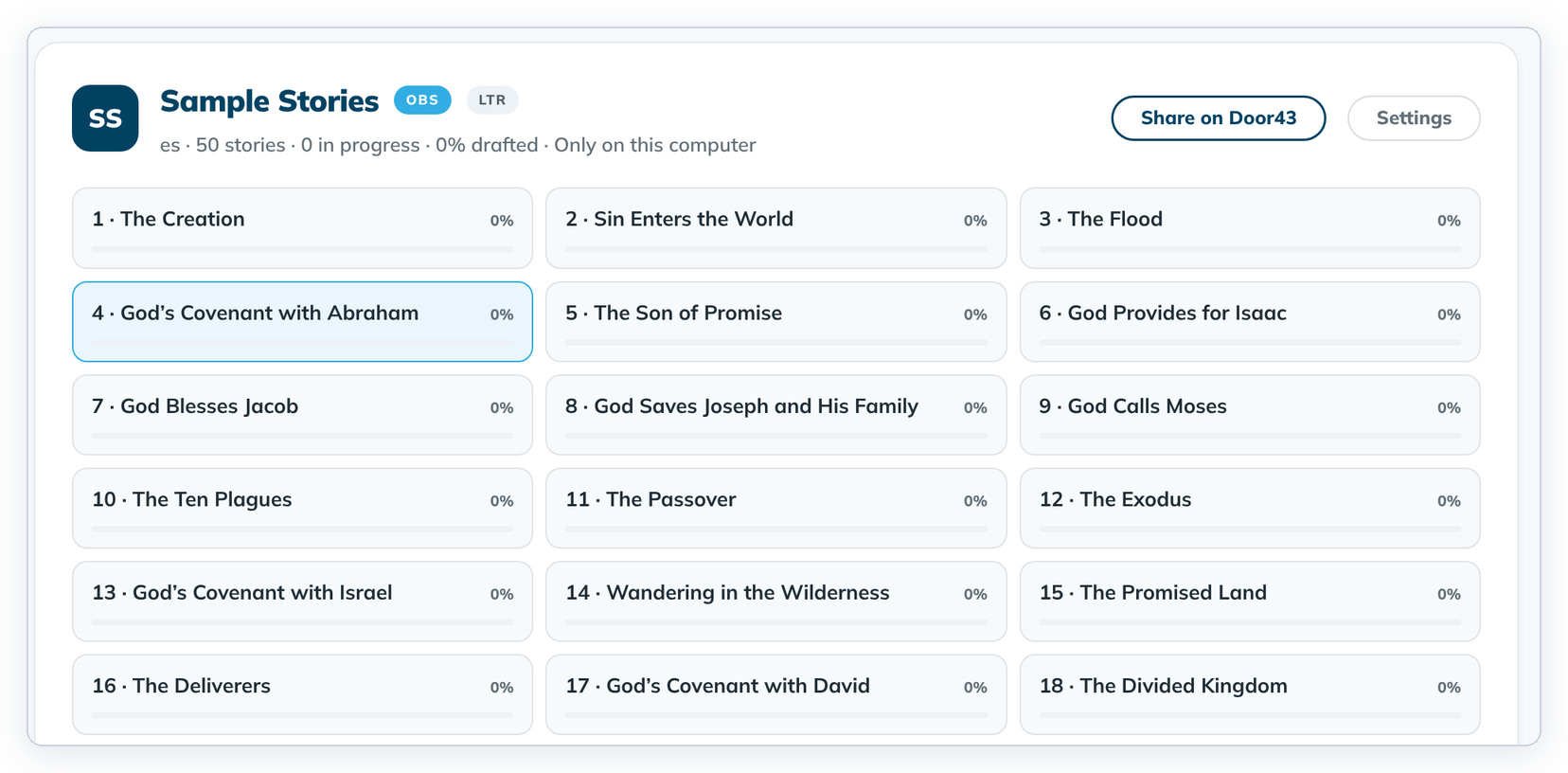
To fold the grid again, click Show recent stories only → at the bottom of the card.
Good to know
- Resume → at the top of Home reopens the last story you edited.