
Saving and checkpoints
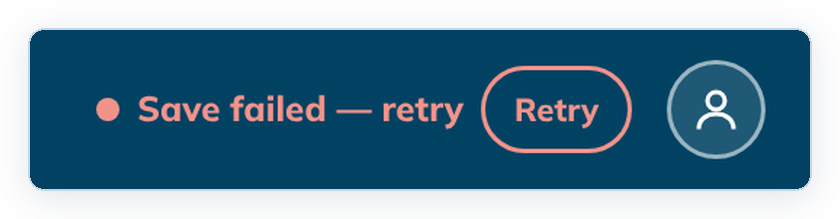
tC4 saves as you work. The indicator at the top right shows whether your last change was saved, and offers Retry if it wasn't.
There is no Save button for the project: each verse, check decision, alignment or comment is saved when you finish it.
Steps
- Finish an edit, for example click Save verse after drafting a verse.
- Look at the top right. Saving… changes to Saved when your work is stored.

- If it shows Save failed — retry, click Retry.
If Retry keeps failing, copy your text somewhere safe before you close tC4. See When a save fails.
What the indicator can say
| Indicator | Meaning |
|---|---|
| Saved | Everything you did is saved. |
| Saving… | A save is running. |
| Unsaved changes | An editor is still open with text that is not saved yet. |
| Save failed — retry | A save did not work. Click Retry. |
| Checkpoint not saved | Your work is saved, but the project checkpoint did not finish. Click Retry. |
Checkpoints
A checkpoint is a saved version of the whole project. tC4 makes one when you change mode or leave the project, if something changed. If a checkpoint fails as you leave, Home shows a warning; open the project again and tC4 tries again.
Before you close tC4, check that the indicator says Saved.