
Help › Troubleshooting and known limits
Working as a team on several computers
Share a Bible project on Door43, then each teammate opens it from Door43 and uses Sync with Door43 to swap work.
Once a Bible project is on Door43, teammates can each work on their own computer and swap changes with Sync with Door43.
Start sharing (project owner)
- On the Home screen, select Share on Door43 on the project card and follow the steps. See Share to Door43.
- On Door43, give each teammate write access to the repository. Teammates can't sync without it.
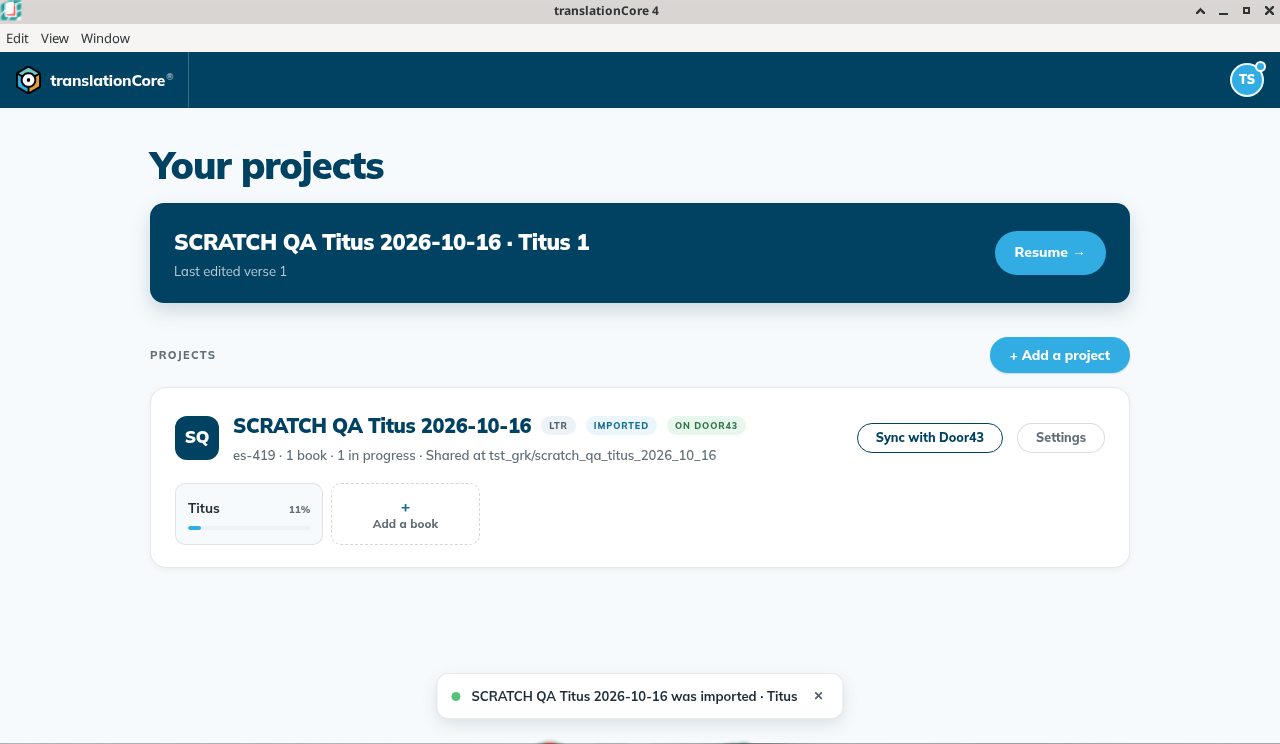
- The card now says On Door43, and its button changes to Sync with Door43.
!Project card showing On Door43 and Sync with Door43
Join a project (teammate)
- Select + Add a project, then Open a project from Door43.
- Type
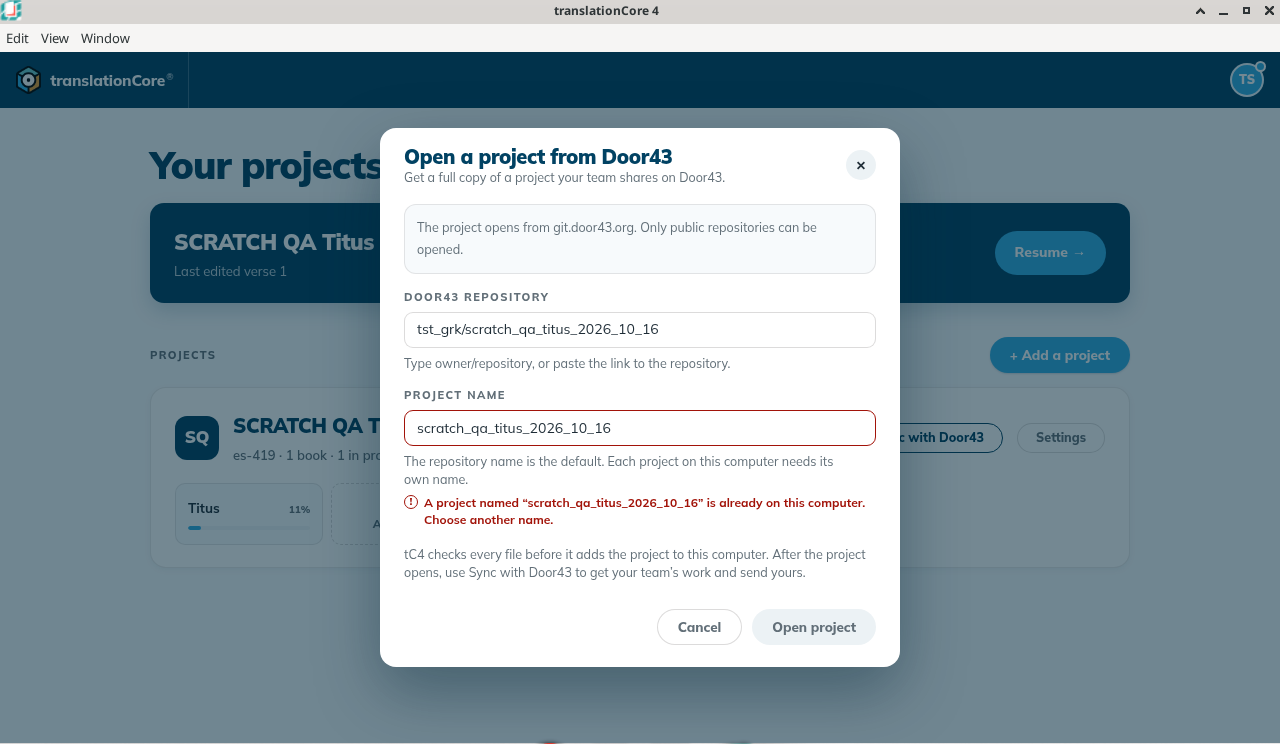
owner/repository, or paste the link. Only public repositories can be opened. - Each project on your computer needs its own name. If the name is already used, tC4 asks you to choose another one.
!Name already on this computer
Sync
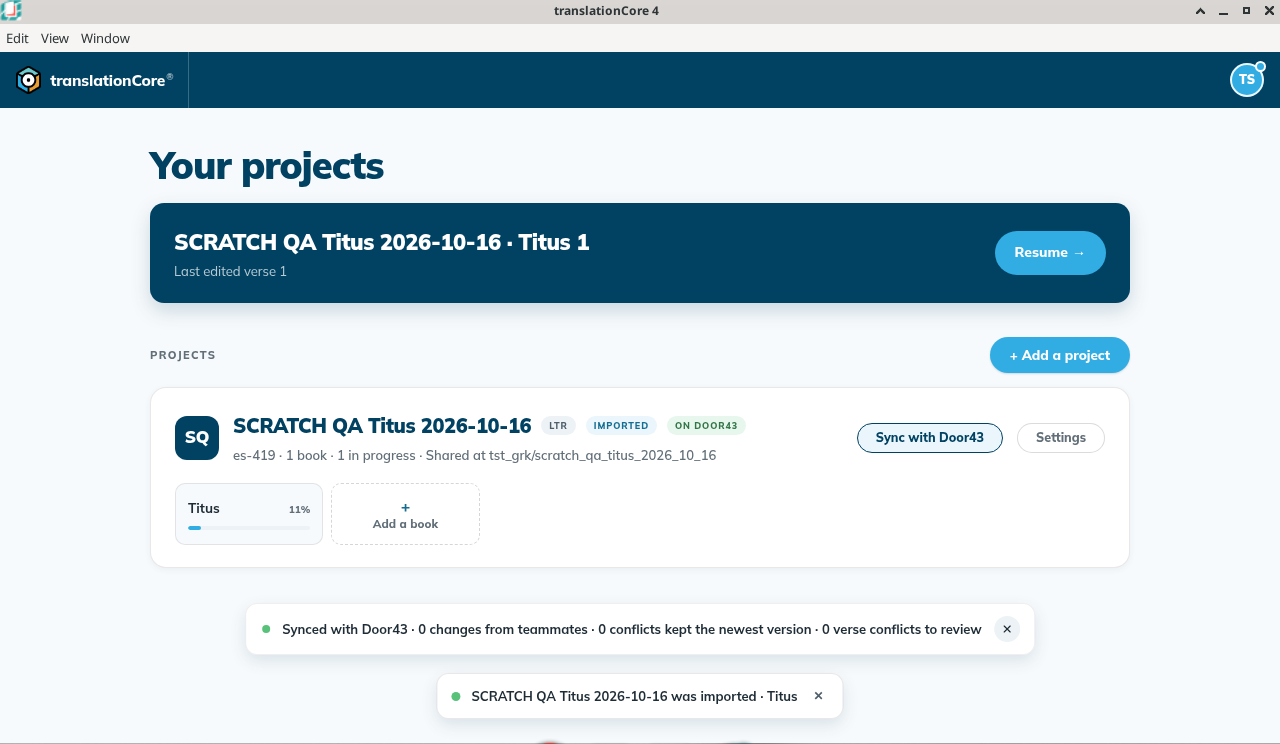
Select Sync with Door43 on the project card. The result says how many changes came from teammates and how many conflicts kept the newest version. If a teammate aligned the same verse after you did, the result names it, for example Titus 1:1: Ana's alignment replaced yours. Your links for that verse go back to the word bank. Open the verse in Align to check it. Nothing is merged automatically.
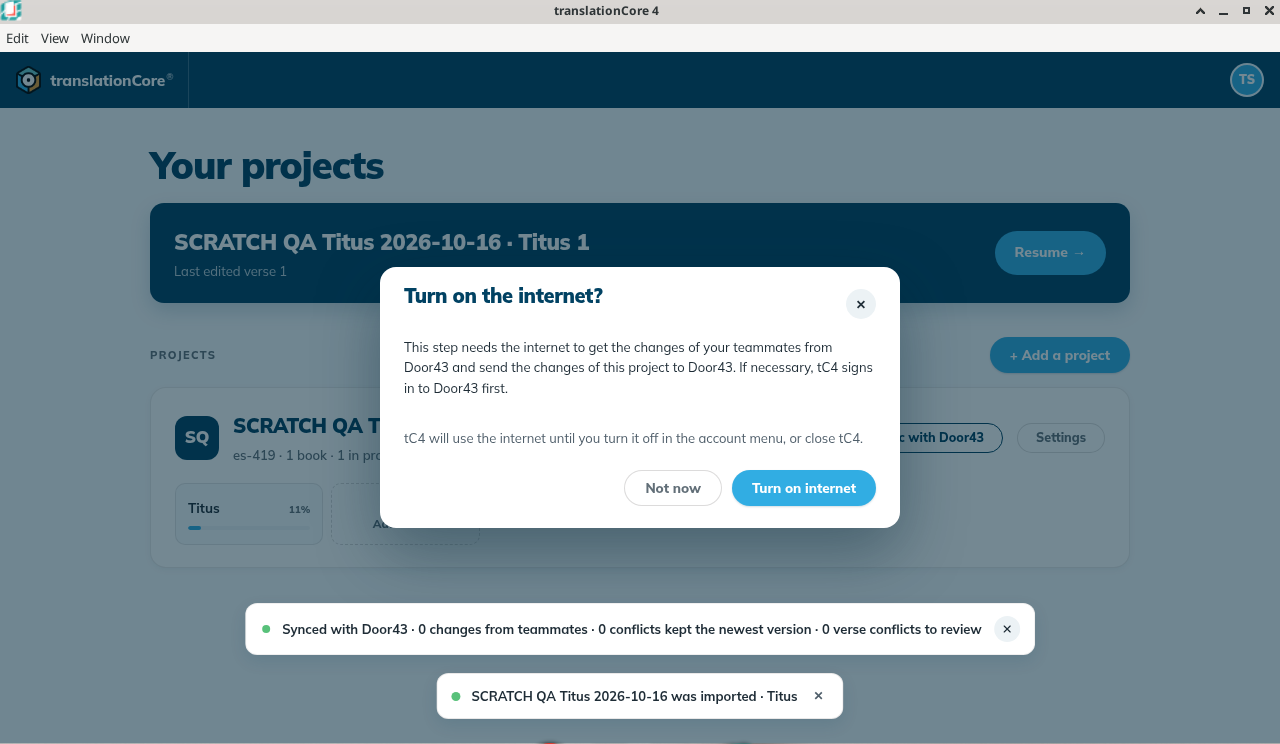
If the internet is off, tC4 asks first. Not now sends nothing.
Good to know
- Open Bible Stories projects can't sync yet.
- Don't copy project folders between computers by hand. tC4 refuses to open them, to protect the project.