
The simplified text tab
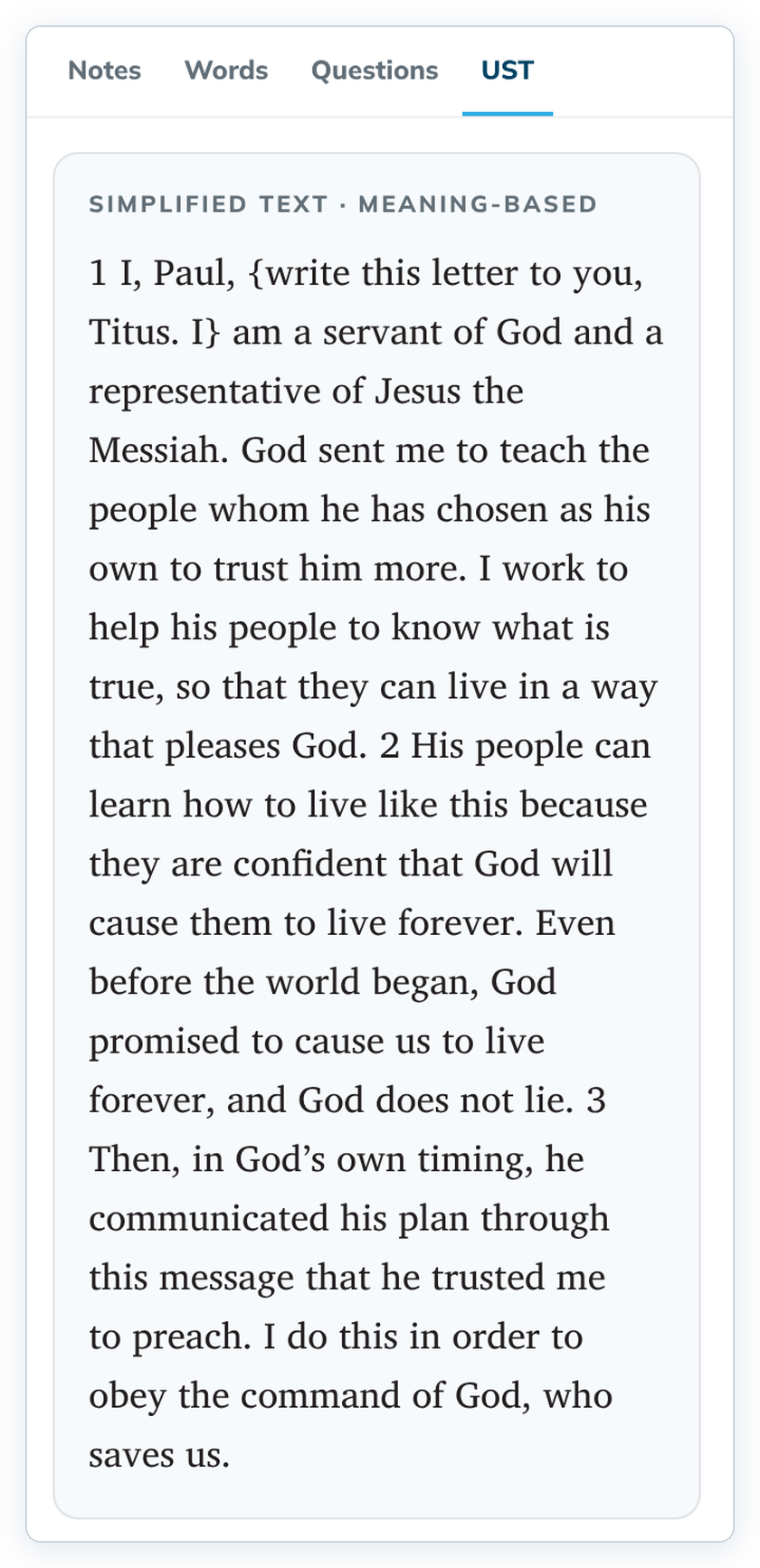
The helps panel can show the meaning-based simplified text next to what you are reading.
It says the meaning plainly, which helps when the literal text is hard to follow.
Steps
- In Understand or Translate, open the helps panel.
- Click UST. Some gateway languages name this tab differently, such as GST.
Good to know
- Words in curly braces, such as {write this letter to you, Titus. I}, are part of the simplified text. They mark words added to make the meaning clear.
- You can also show the simplified text in the main source column with the UST source tab.
- Open Bible Stories have no simplified text, so there is no tab for it.