
Mark an alignment done
When a verse is aligned, mark it valid. It counts toward the verses-aligned progress.
It means "this verse's alignment is done", even if some words stay in the word bank.
Steps
- Finish linking the words of a verse, and confirm or reject any suggestions.
- Scroll to the bottom of the verse and click ✓ Mark valid.
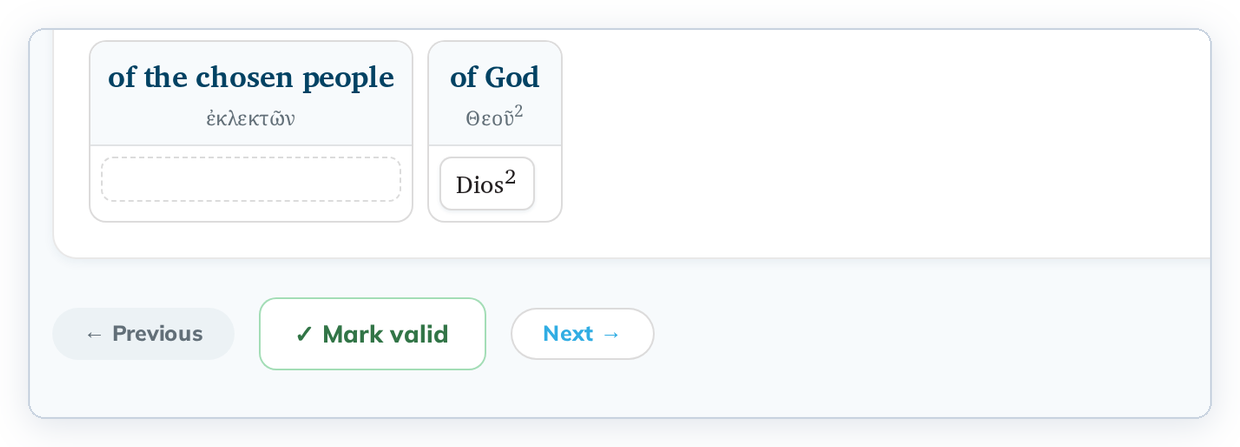
- Go to the next verse with the list on the left or the → arrow at the top right. Marking a verse doesn't move you on.
Good to know
- The count at the top of the list ("0 of 9 verses aligned") goes up for each verse you mark.
- If you edit the verse later, the mark is taken back and the verse needs another look. See Editing a verse you already checked or aligned.
- Upgrading the Greek or Hebrew text also takes the marks back. See Upgrade scripture texts.