
Understand, Translate and Check — the three modes
Every open project has three modes. Understand the passage, Translate it, then Check it — in any order.
Your place in the book stays the same when you switch, and Open Bible Stories projects have the same three modes.
Steps
- Open a book or story from Home.
- Click Understand, Translate or Check in the middle of the top bar. The one you are in is filled in.
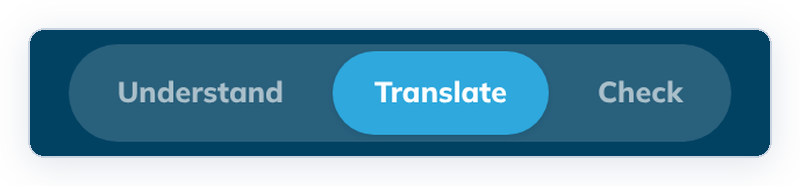
What each mode is for
- Understand: read the passage with its notes, word links and questions, and write your own comments. See Read a passage before you translate.
- Translate: draft your translation beside the source texts. See The Translate screen.
- Check: check your draft with Translation Notes and Translation Words, align words, and preview the book. See Choose a checking tool.
Many teams go in that order, but you can switch at any time.
Good to know
- A book or story you open for the first time starts in Understand. After that, tC4 opens it in the mode you used last.
- Check goes back to the checking tool you used last. To pick another one, click ← All checking tools at the top left.
- Switching modes saves a checkpoint if anything changed. See Saving and checkpoints.
- Exporting is not a separate mode. It is in Check › Community Checking. See Export a book as PDF.