
Draft or revise one verse
Switch to Verse to draft a single verse, or to fix one verse without opening the whole section.
Verse view is handy for small corrections and for translators who prefer to work one verse at a time.
Steps
- In Translate, click Verse in the switch above your translation.
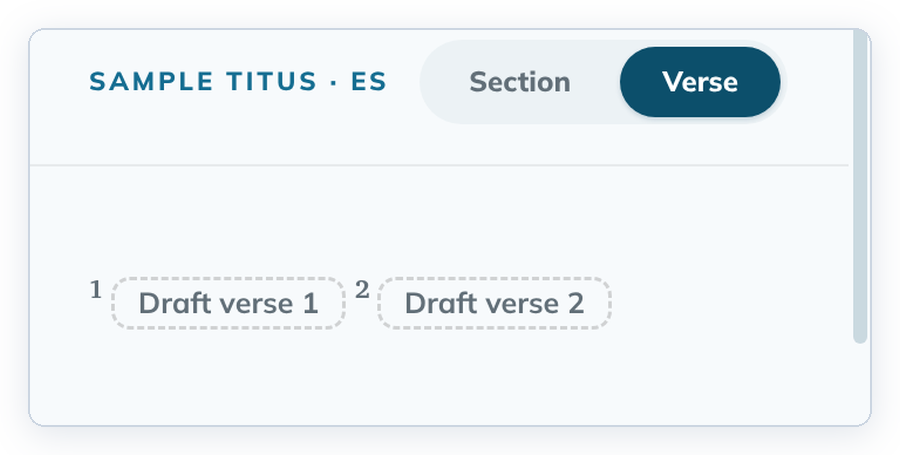
- For an empty verse, click its dashed Draft verse {n} button. For a drafted verse, click its text.
- Type in the editor.
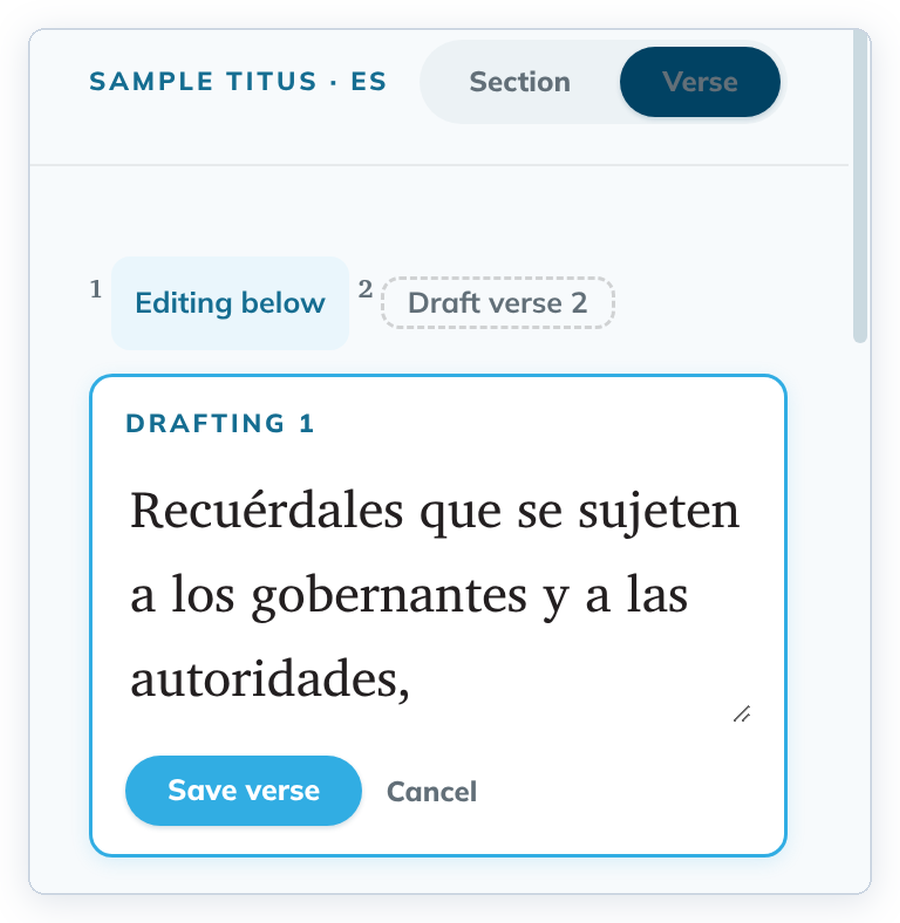
- Click Save verse, or click outside the editor.
To throw away your change, click Cancel instead.
Good to know
- The helps panel follows the verse you are editing.
- To make a verse span, use Section view. See Make or break a verse span.
- A poetry verse opens with all its lines. Shift+Enter starts a new line; Tab and Enter save and close the editor. See Paragraphs and poetry.