
Fix a missing resource
When a checking tool needs a resource that is not on this computer, tC4 offers three ways to get it.
You usually see this with a project imported or copied from another computer. The tool card shows Needs downloading or Unavailable offline.
Steps
- In Check, click Fix this… on the tool card.
- Choose one way:
- 1 · Download the pinned version. Needs the internet.
- 2 · Use a version that is installed. Click a version, check how many decisions carry over, then click Re-pin.
- 3 · Sideload it from a file. Drop a Scripture Burrito zip of that exact release.
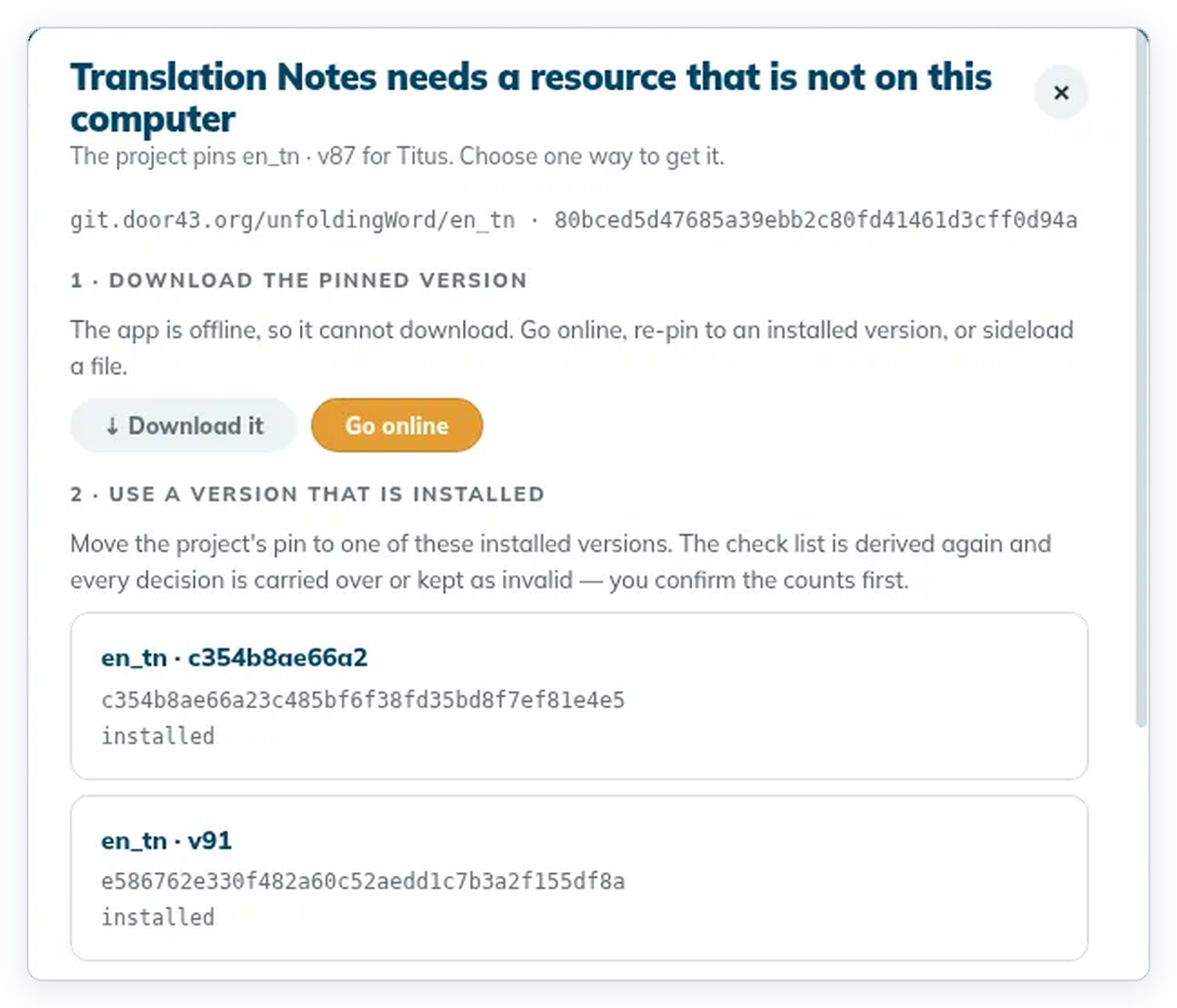
To cancel, click Close or the ✕. Nothing changes.
Good to know
- Offline, use option 2 or 3, or turn on the internet. See Working offline.
- A tool that isn't ready never blocks the rest of your work.