
Bookmark a check
Flag a check item to come back to it later, for example to discuss with your team.
A bookmark doesn't change the decision.
Steps
- In a checking tool, open the item.
- Click ⚑ Bookmark. It now reads Bookmarked (1), and the item gets a small flag in the list.
- Later, click the Bookmarked filter at the top of the list to see every bookmarked item.
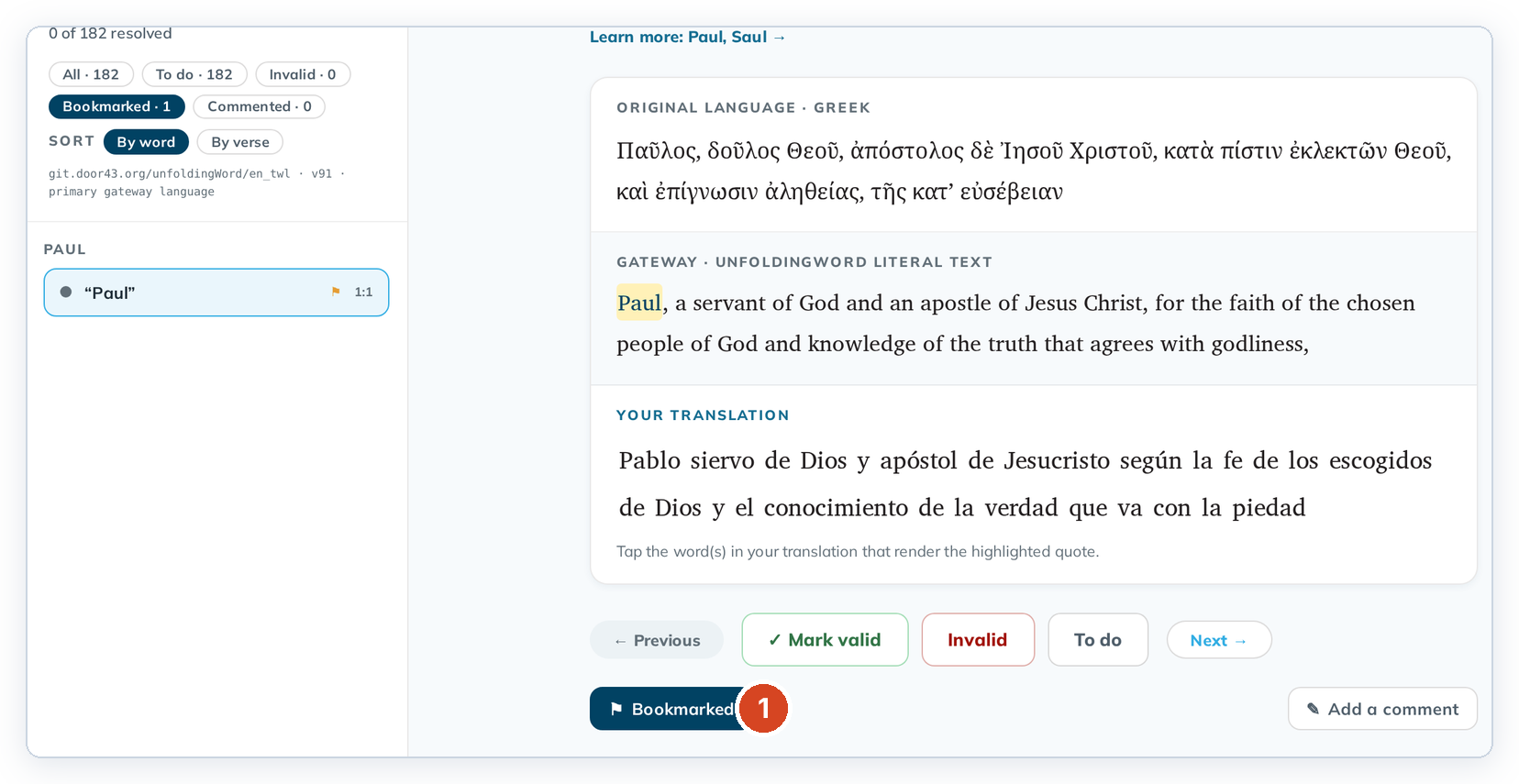
To remove a bookmark, click Bookmarked again.
Add a comment to say why you bookmarked it. See Write a check comment.