
Write a check comment
Add a note to a check item about what you decided or what to ask your team.
Use it to record why you decided something, or a question for a consultant.
Steps
- In a checking tool, click ✎ Add a comment.
- Type your note in the box My comment on this check.
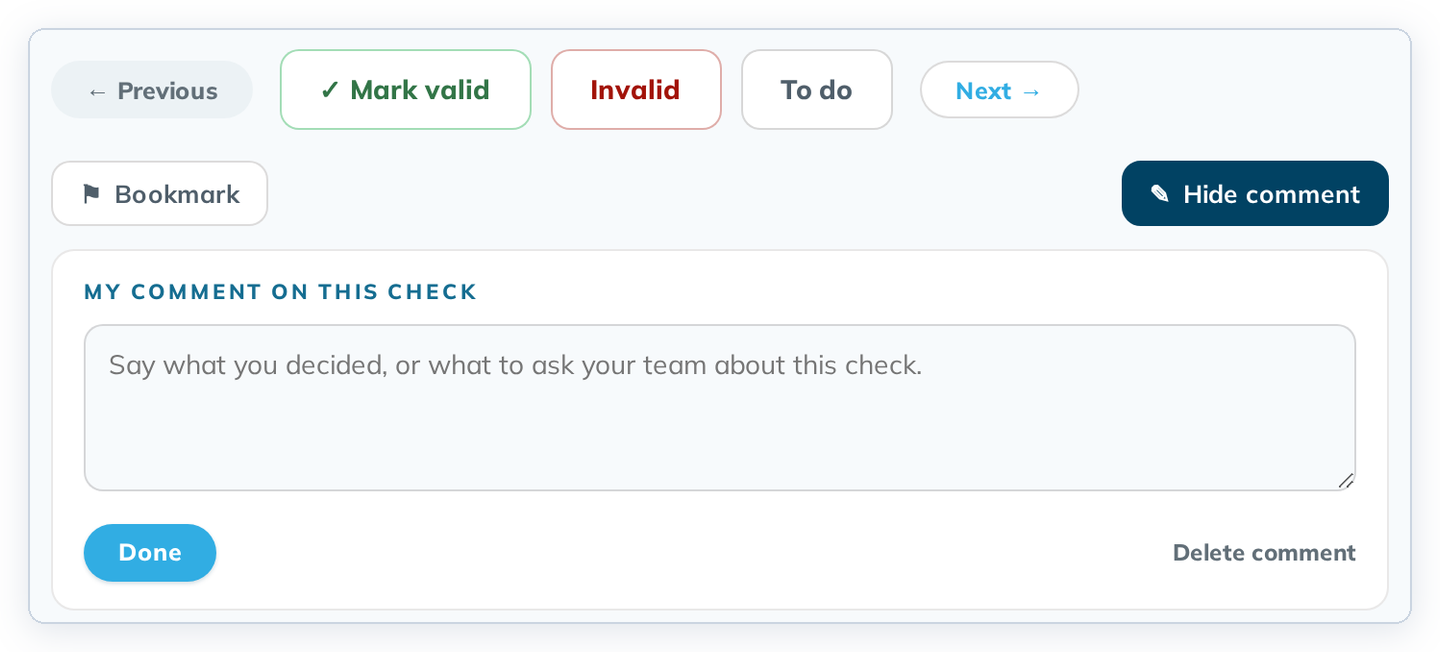
- Click Done. The item gets a ✎ in the list and counts under the Commented filter.
To close the box without changes, click Hide comment. To remove a comment, click Delete comment.
Check comments can be deleted; comments in Understand can't. See Write a user comment.