
Paragraphs and poetry
Start a new paragraph with Enter and indent a poetry line with Tab while you type a section.
This works in the section editor's Type mode.
Steps
- Open a section with Draft section {span}.
- Type your text. Press Enter where a new paragraph begins.
- At the start of a poetry line, press Tab. Press Tab again for a second level, or Shift+Tab to take an indent back.
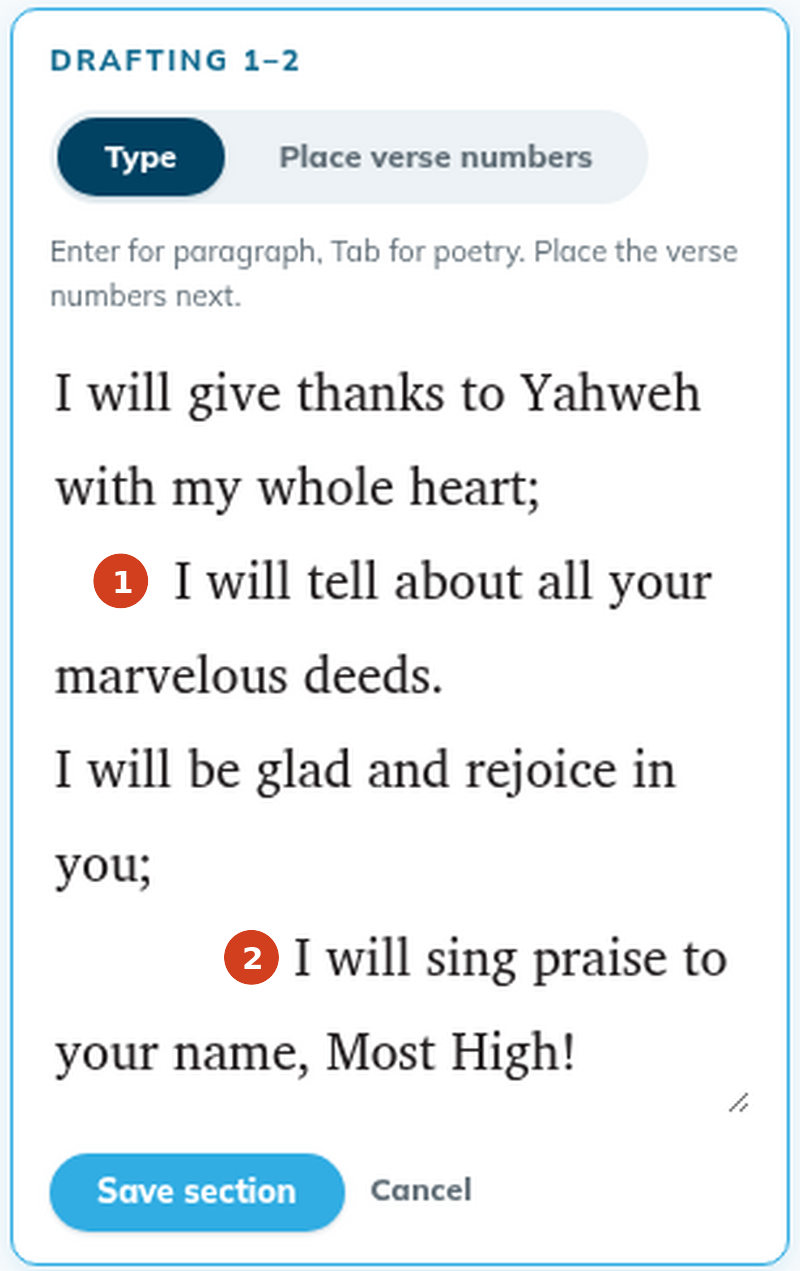
- Place the verse numbers and click Save section.
Poetry you already have
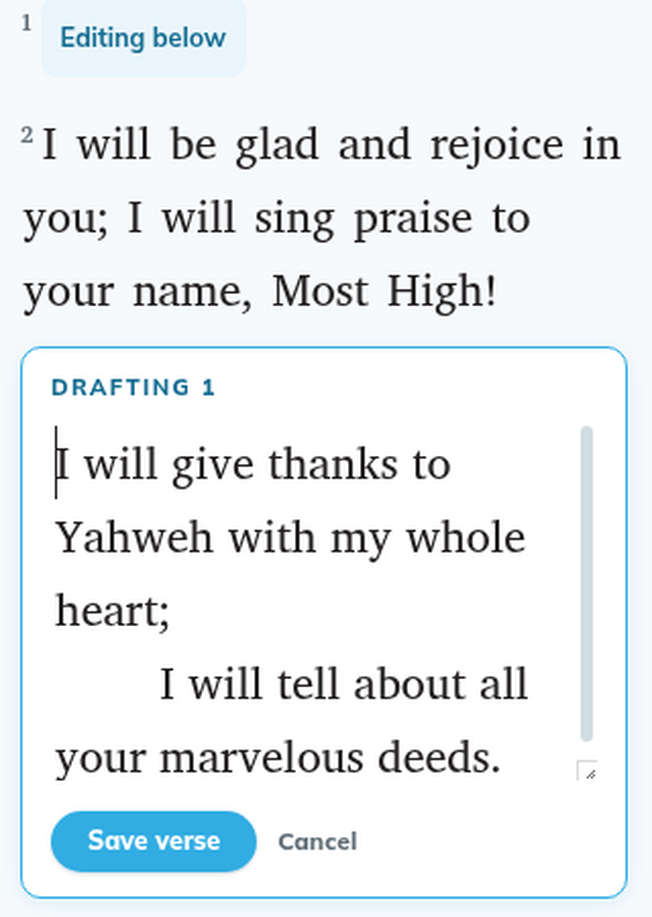
When you open a verse of poetry, the editor shows the whole verse, every line of the poem. Each line starts with its indent: one tab for the first level, two for the second, three for the third. A paragraph break or chunk break inside the verse shows as a blank line, and a heading inside a verse shows as its own line. Keep those lines as they are, and change only the words.
Good to know
- tC4 has three poetry levels. A fourth tab is saved as the third level.
- In the Verse editor, Tab and Enter close the editor and save. To start a new poetry line there, press Shift+Enter. To indent a line, use the section editor.
- The source text shows its own paragraphs and poetry lines, so you can follow them.
- Headings, footnotes and other formatting can't be added in the editor yet.